A Raspberry Pi Zero Broke the Tally Light of my Blackmagic Camera
Boys don’t grow up to men, their toys just get more expensive… More than 25 years ago I worked in professional television, in a time when a switcher with tally and camera control cost as much as a car, and only broadcasters could afford such a thing. Today an ATEM Mini and a Blackmagic Micro Studio Camera 4K G2 give you the same possibilities on a hobbyist desk for a fraction of that price. Every time I set up a shoot, that still amazes me.
So a new switcher and a new camera from the same brand should be the most boring combination ever. Plug in one HDMI cable, and the switcher shows you the video, controls the lens, and lights up the tally the moment you cut to that input. No extra wiring, no configuration. That’s the whole idea behind Blackmagic’s camera control over HDMI.
Except… it didn’t work for me as expected. And finding out why took me a few weeks, a support ticket, and a trip of the switcher to the Netherlands and back. In the end a small HDMI adapter with one pin missing brought the solution.
My little video studio
My home office is set up to make recording a video a no-brainer, whatever that video turns out to be. A podcast, a simple talking head with screen sharing, or a full multicam unboxing or maker tutorial, all of them need to work without extra thinking or adding new wires.
On my “experimentation desk”, I have a 4-input ATEM Mini connected to a bunch of Raspberry Pi’s and other single-board computers. I already have this ATEM since a few years, as I described in some of my earlier posts:
- Using a Raspberry Pi as an HDMI camera
- Multicam recordings with Raspberry Pi HDMI cameras
- Controlling those cameras with a Java API.
- How to share your work in a movie or podcast
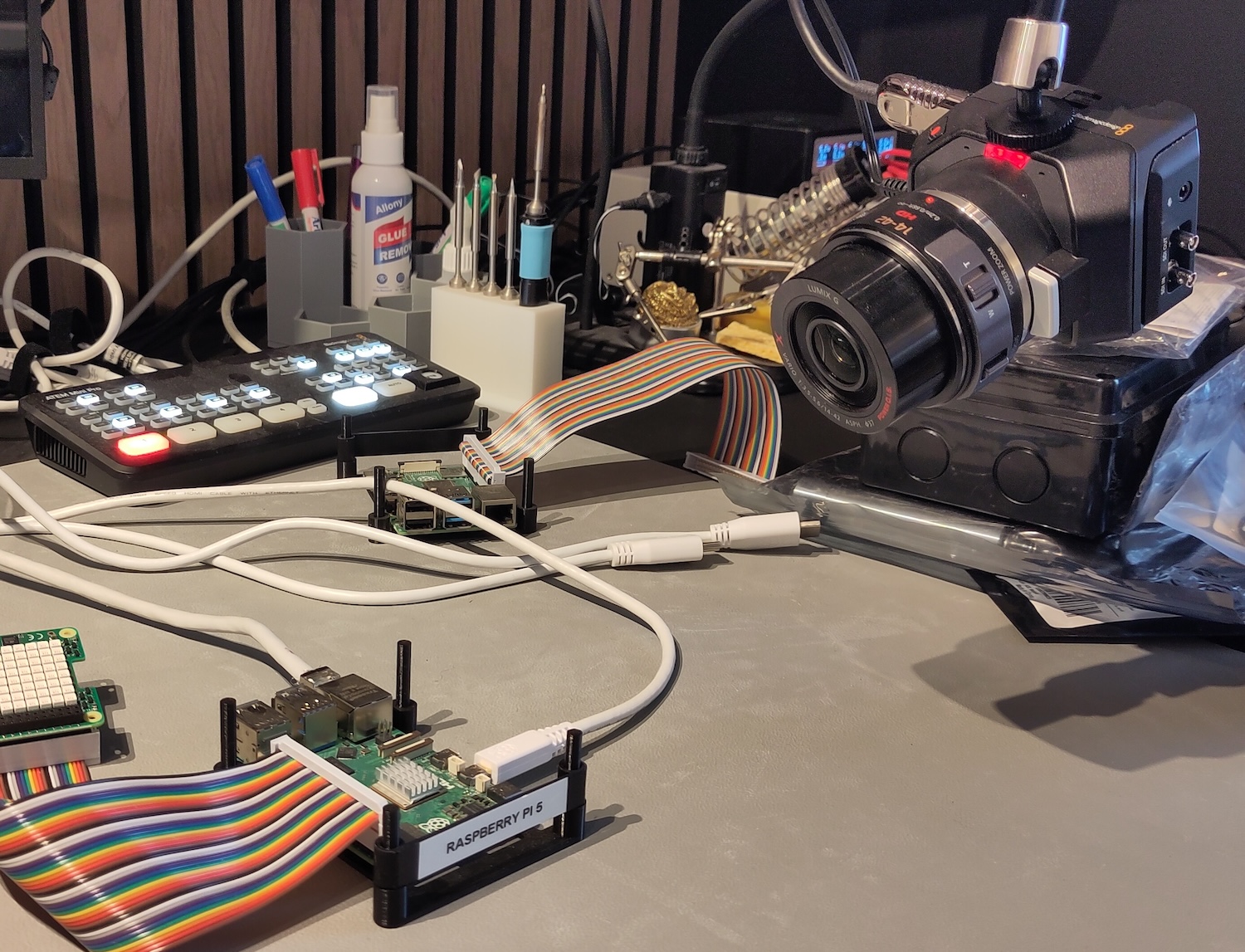
The experimentation desk: an ATEM Mini, a bunch of Raspberry Pi's, and the Micro Studio Camera with its tally light on
Recently I added the new ATEM Mini Extreme ISO G2 next to my main work computer. It handles 8 inputs, so I can record a few screens, multiple cameras, and the output of the other ATEM Mini at the same time. A Stream Deck XL with Bitfocus Companion ties both switchers together, with buttons to switch between setups and configurations without touching a mouse.
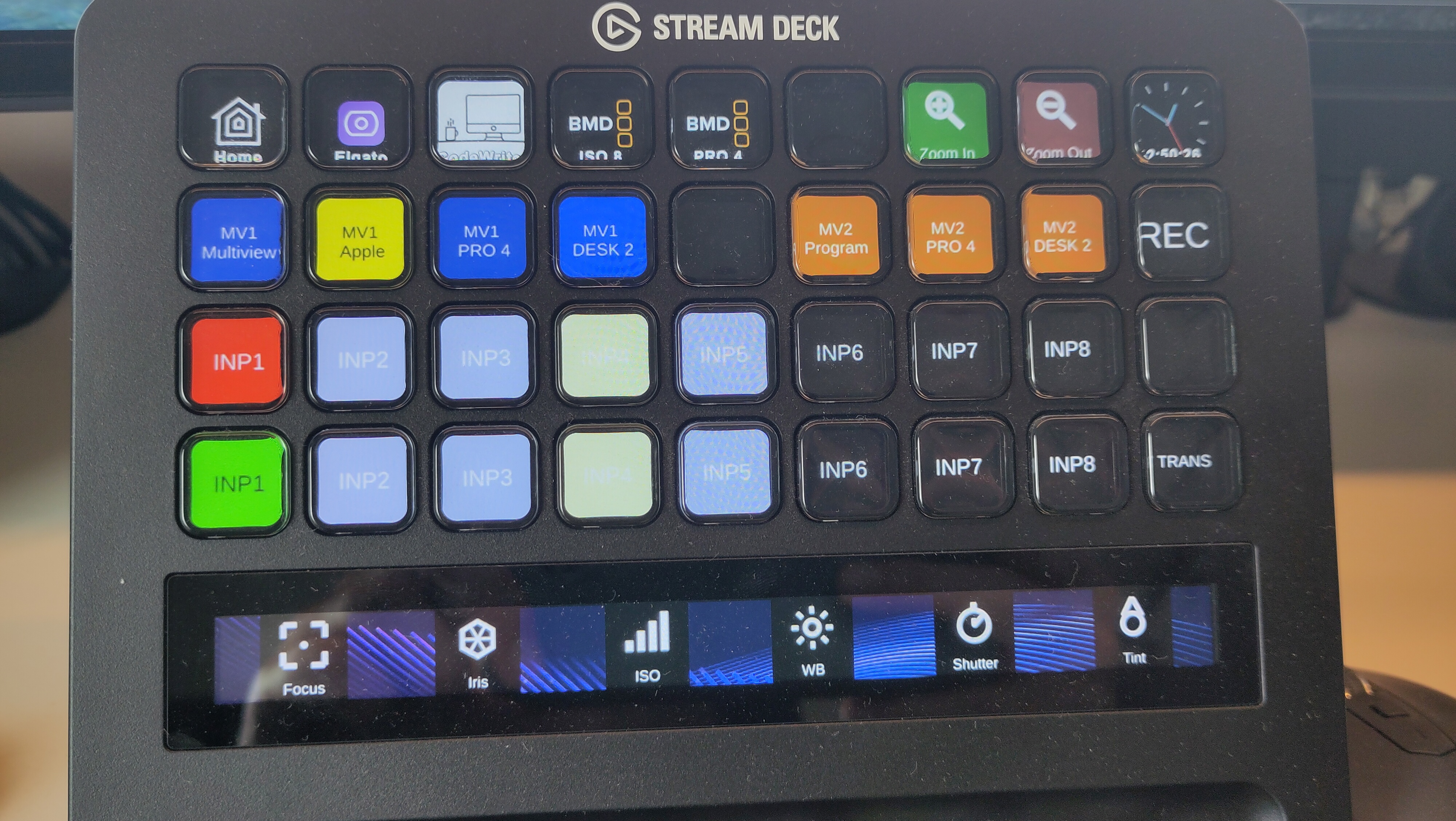
The Stream Deck XL with Bitfocus Companion: input selection and multiview presets on the buttons, and focus, iris, ISO, white balance, shutter and tint of the camera on the dials
That’s the setup in which this bug appeared. I added a Blackmagic Micro Studio Camera 4K G2, on a switcher that already had Raspberry Pi HDMI cameras plugged into it.
No tally, no camera control
The video of the micro camera appeared on the Extreme ISO G2 without any problem. Framing, exposure, all normal. But the tally light stayed dark. And the camera control panel in ATEM Software Control did absolutely nothing. No zoom, no focus, no iris, no tally.
Of course I first checked all the obvious things. Correct HDMI input, correct camera number, a few different HDMI cables, a fresh install of the software. Nothing helped.
But with the same camera connected to the older and smaller ATEM Mini, everything worked OK. Tally turned red/green as expected, and the lens followed every action in the control software…
Side-track: the never-ending firmware update
While digging into this, I ran into a second problem. After updating the firmware of the ATEM Extreme G2, the setup software kept telling me a new update was available, while the version number it showed was already the latest one. Power cycle, update again, same story.
For a while I was convinced both problems were related, but they are not! The update loop is a Mac-only issue, and only on the newer macOS Tahoe. A few update attempts and a reboot cleared it after some time, and Blackmagic confirmed they already know about this behavior. So if you hit this one, don’t waste your time on it. Newer versions of the software should not show it anymore.
The switcher goes to the repair team
With that side-track out of the way, the tally and camera control problem was still there. I opened a support ticket with Blackmagic, and after the usual round of firmware recoveries and cable checks, they asked me to send the unit back for testing in their lab.
Their answer came a few days later: they tested with a Micro Studio Camera 4K G2, and both tally and control worked fine. No fault found. The unit came back with the advice to retest with standard copper HDMI cables below five meters, just to exclude anything cable-related.
Sidenote: Those five meters are Blackmagic’s official spec, and for standard copper HDMI that makes sense. But if you need more distance, I can confirm that this active fiber HDMI cable works perfectly with the same cameras and switcher, far beyond that range as I have it now working with a 10m cable. Worth keeping in your toolbox for a shoot that needs a longer run.
So I retested. Minimal setup, one camera, one cable. And indeed, it worked exactly as it should! Which means the problem only exists on my desk, with my full setup connected. Then I tried connecting all devices back one by one…
Bingo, it’s a Raspberry Pi
For years, I’ve been using Raspberry Pi boards as extra camera angles. Two of those Raspberry Pi Zero cameras from the first build are now connected to the Extreme ISO G2 for side angles.
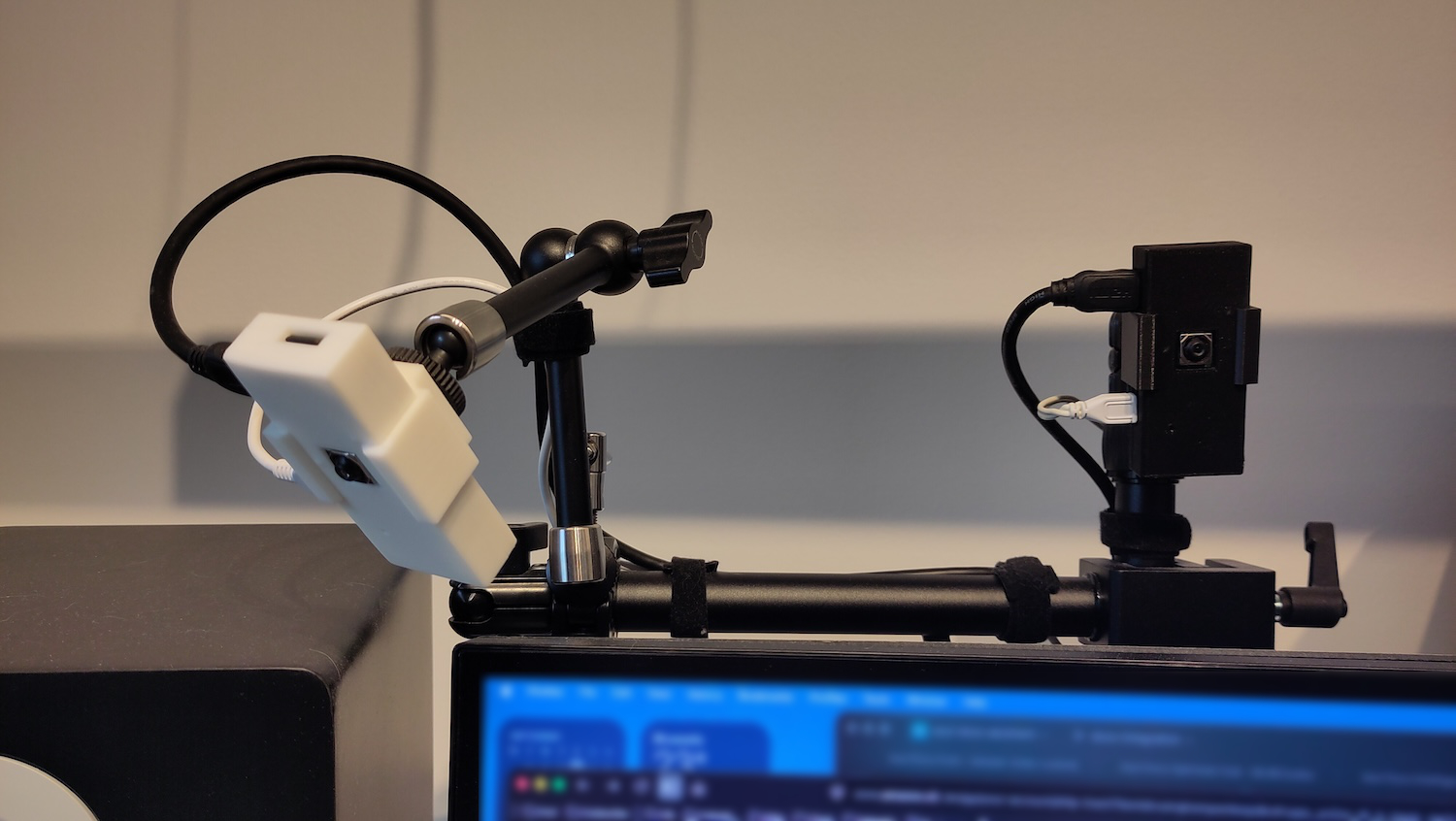
The moment I plugged those two Pi Zero HDMI cables back into the switcher, the tally of the Micro Studio Camera froze in whatever state it happened to be in, and camera control from the switcher stopped reacting. Video kept working. Only the tally and lens control broke.
When I unplugged the RPi HDMI cables, the Micro Studio Camera started reacting again. When I plugged them back in, it locked up again. With the Pi’s powered off but their cables still connected, there was no problem at all. And when I booted a Pi, the problem returned the instant it started outputting video, even before any of my camera software ran.
So it wasn’t the ATEM, and it wasn’t the Micro Studio Camera. Something in the signal coming out of the HDMI output of a Raspberry Pi breaks tally and control of a completely different camera on a completely different port.
How can one HDMI source break another camera?
Tally and camera control over HDMI is not a separate signal on its own wire. It travels inside the same control channel that HDMI also uses for CEC (Consumer Electronics Control), the mechanism that lets one remote control multiple devices in your living room. Community reverse-engineering of the protocol confirms this: the switcher and the camera exchange vendor-specific data over that channel, wrapped in a normal CEC command.
And that channel is not fully isolated per HDMI port on a switcher with multiple inputs. One internal controller manages it for all connected ports, so a device that misbehaves on that channel on one port can disturb it for all other ports. A Raspberry Pi driving its HDMI output, with a CEC implementation that not everyone would call rock solid, is exactly the kind of device that can do that.
Disabling CEC on the Raspberry Pi doesn’t help
My first idea was of course to disable CEC on the Raspberry Pi. The classic settings for that, hdmi_ignore_cec and hdmi_ignore_cec_init in /boot/firmware/config.txt, changed nothing. The problem came back the instant the first line of boot text appeared on the HDMI output, so before Linux was even loaded.
Turns out those settings only apply to the old firmware-based display driver. Current Raspberry Pi OS boots with the newer KMS driver by default, and that one silently ignores both flags.
Back to Blackmagic
With a clean and repeatable reproduction in hand (camera control breaks the instant a specific Raspberry Pi HDMI source connects, video keeps working, tally freezes), I went back to Blackmagic support.
Their engineer confirmed that some HDMI splitters can solve exactly this kind of problem, although splitters sometimes bring their own problems into a workflow. He also mentioned that their own Micro Converter Bidirectional, used in an HDMI-in to HDMI-out configuration, doesn’t pass tally or camera control either, and that something in the ancillary data of the signal is the most likely cause. Not a fix, but at least the confirmation that I wasn’t chasing a ghost.
The fix: cut pin 13
The fix that has been running without any issue since is a very boring one. A plain HDMI CEC blocker adapter, sometimes sold as a “CEC stripper”, placed inline on the HDMI output of each Raspberry Pi, before it reaches the switcher. This is the one I ended up using.
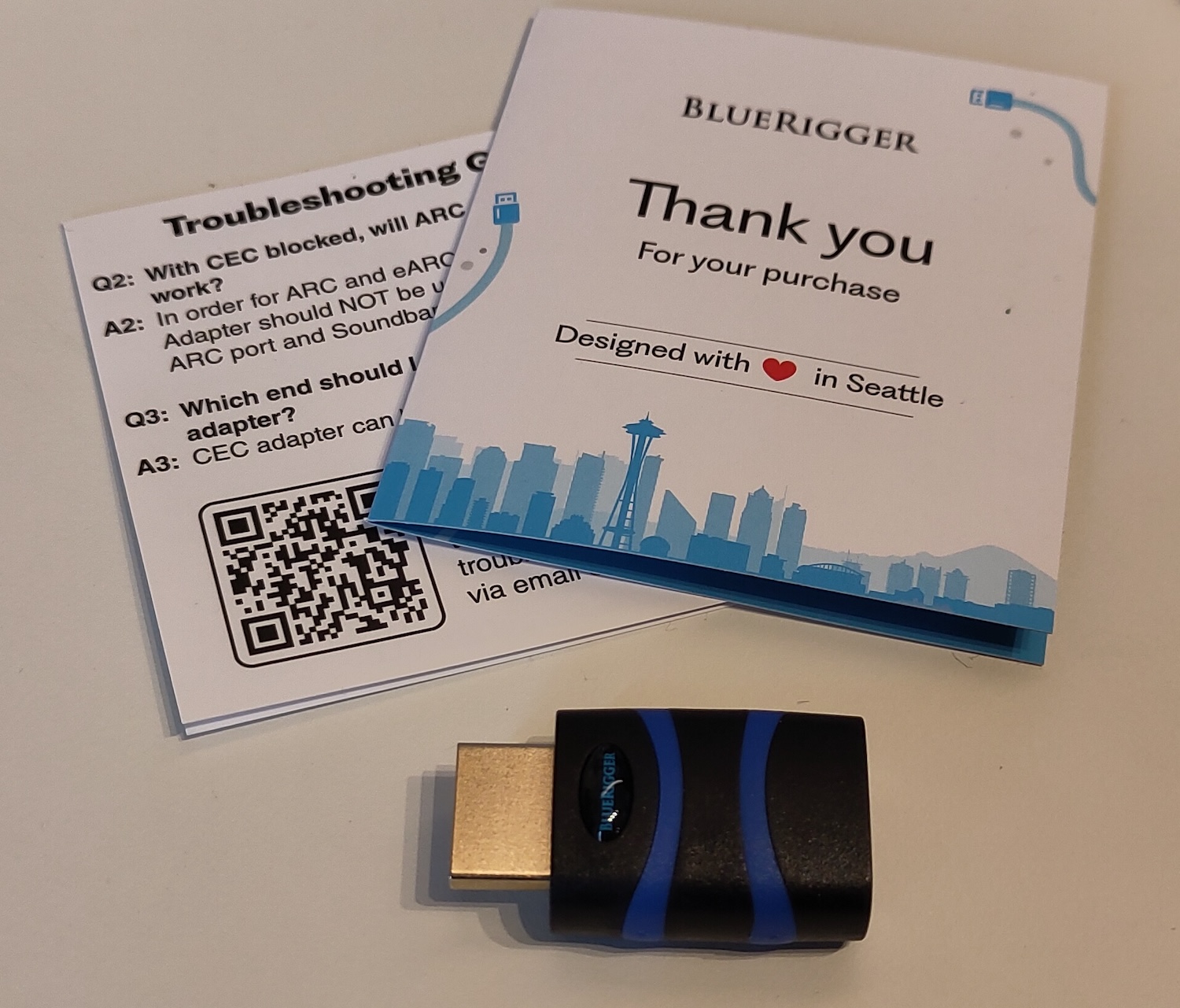
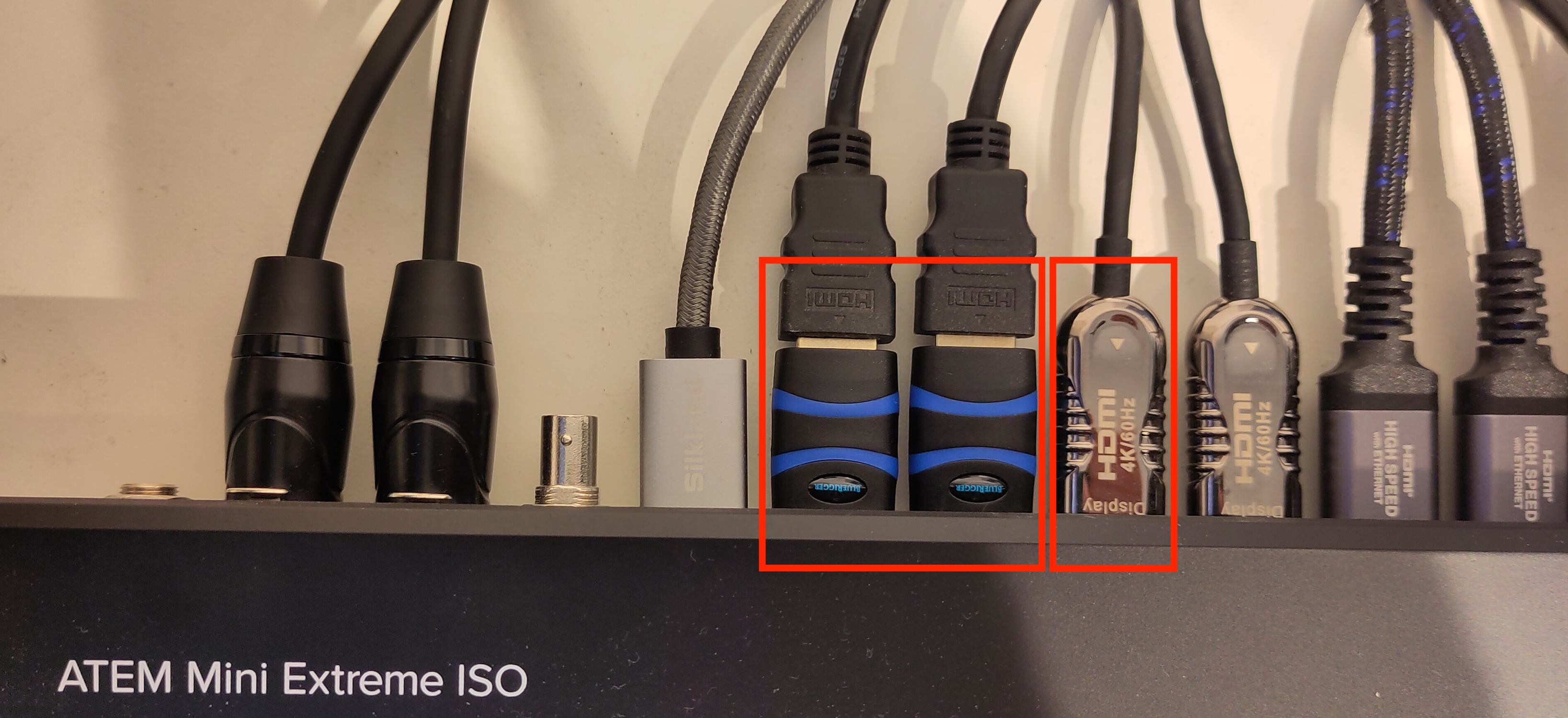
The two CEC blockers (blue) on the Raspberry Pi inputs, right next to the 10m fiber HDMI cable coming from the Micro Studio Camera
These adapters cut pin 13 of the HDMI cable, the pin CEC runs on, and nothing else. Video passes through untouched. Whatever the Pi is putting on that channel never reaches the ATEM, and tally and camera control of the Micro Studio Camera work correctly ever since, with the Pi cameras connected and running.
No config change, no firmware update, no software involved on either side. But I still don’t understand why a connector that is missing one pin connection has to cost 73€… :-(
Conclusion
If camera control or tally behaves strangely on an ATEM, and the camera itself tests fine in isolation, don’t assume the camera or the switcher is broken. Start by disconnecting all the other HDMI cables, one at a time, and check if the problem follows one of them. The camera or the ATEM may need a few seconds to “recover” from the broken HDMI control flow, but within a minute after disconnecting the wrong input, the camera reacts on tally changes and control commands again.
In my case it wasn’t the expensive camera causing all the trouble. It was a cheap Raspberry Pi Zero, connected on a completely different HDMI input…