Pong on a Raspberry PI
As a self-study project I experimented to create a Pong game + slide shown on a Raspberry PI with Tkinter, GPIO and physical buttons.
Material list
- Raspberry PI, of course ;-)
- SD card with Raspberry Pi OS
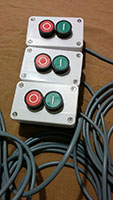
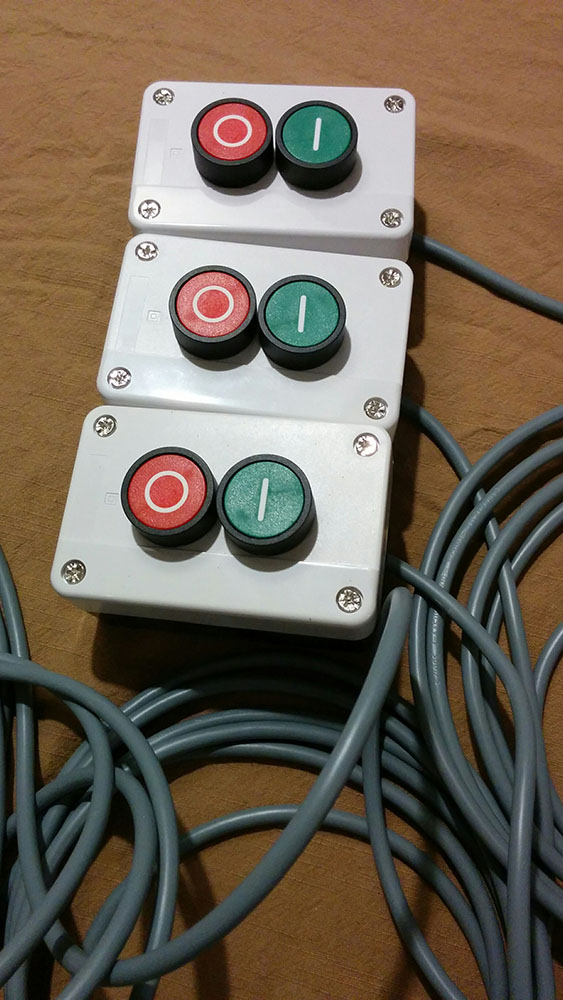
- 3 boxes with on/off button like this one
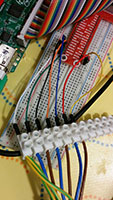
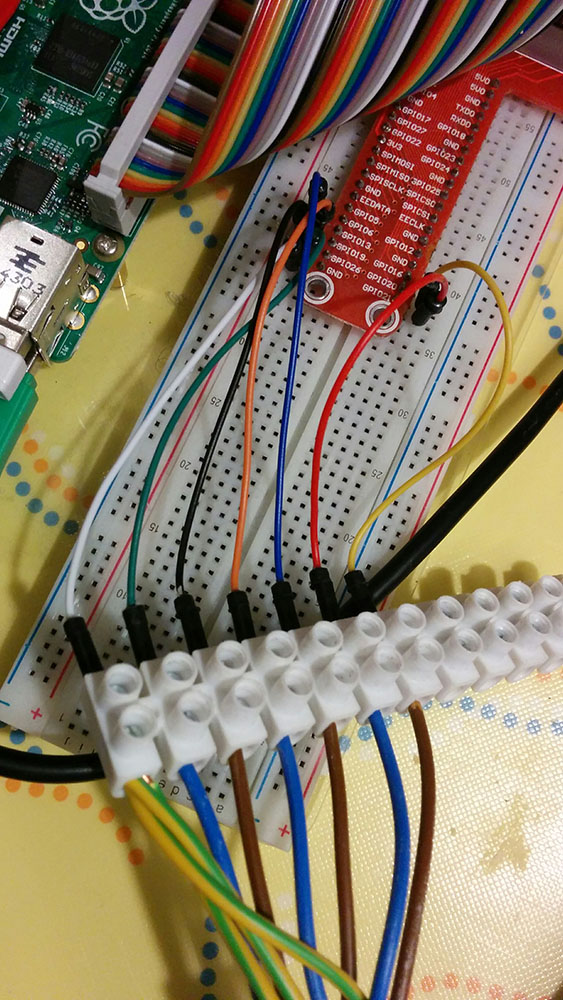
- Breadboard for the first experimental setup
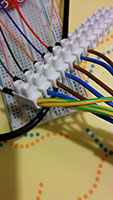
- Breakout connector like this one
- Or to help identify the GPIO pins you can also use RasPiO® Portsplus board
- Electrical cable with three wires
- Some breadboard cables
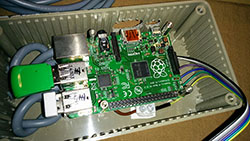
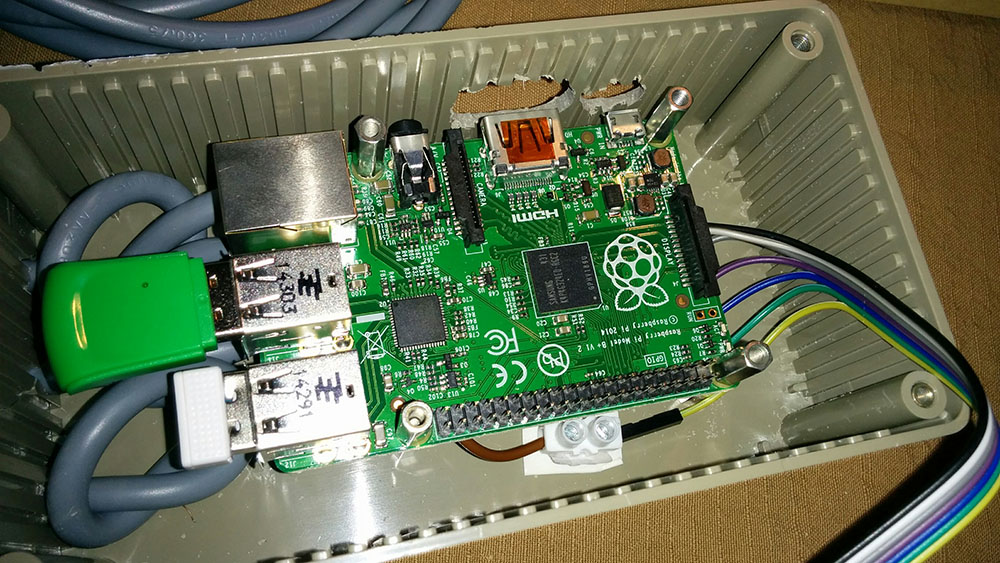
- Box to protect the Raspberry PI
- If you want easy control a bluetooth keyboard and/or Wifi dongle
Assembling
- Connect the electric cables to the push buttons.
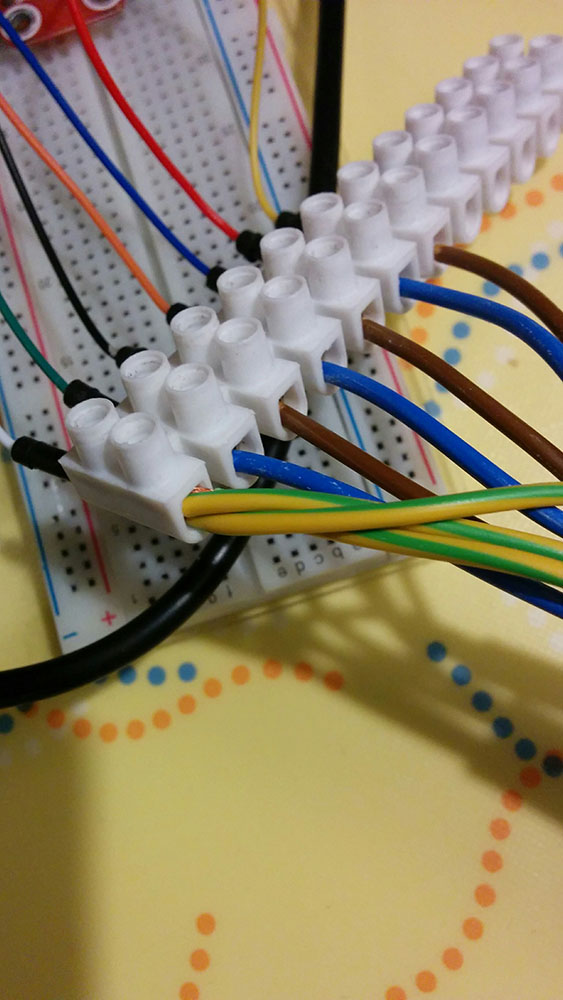
- Optionally, run a first test with a breadboard before assembling in the box.
- Integrate the cables in the box.
- Connect to the GPIO pins of the Raspberry PI.
Source code
I started with an existing Python pong game from Matt Pugh.
It needed a lot of tweening to make it multiplayer, keep scores and configure it to run smoothly on the PI. It was also extended to have a main page with advertisements and where additional games can be added, you know once, when I have time… ;-)
For the slideshow, I extended the code from Stack exchange.
My complete source can be found here on GitHub.
Some additional Python libaries need to be installed
- pip install RPi.GPIO
- pip install keyboard
- pip install pillow
- sudo apt-get install python-imaging-tk
Tips & tricks
I tried out many different methods to get rid of the screensaver, but the only good solution turned out to be:
- sudo apt-get update
- sudo apt-get install xscreensaver
If you want to get rid of the mouse pointer, follow the step-by-step on this site.