Video 10
This tag collects posts that are primarily video-driven: demos, conference recordings, live coding replays, and tutorial videos where watching is the best way to follow along.
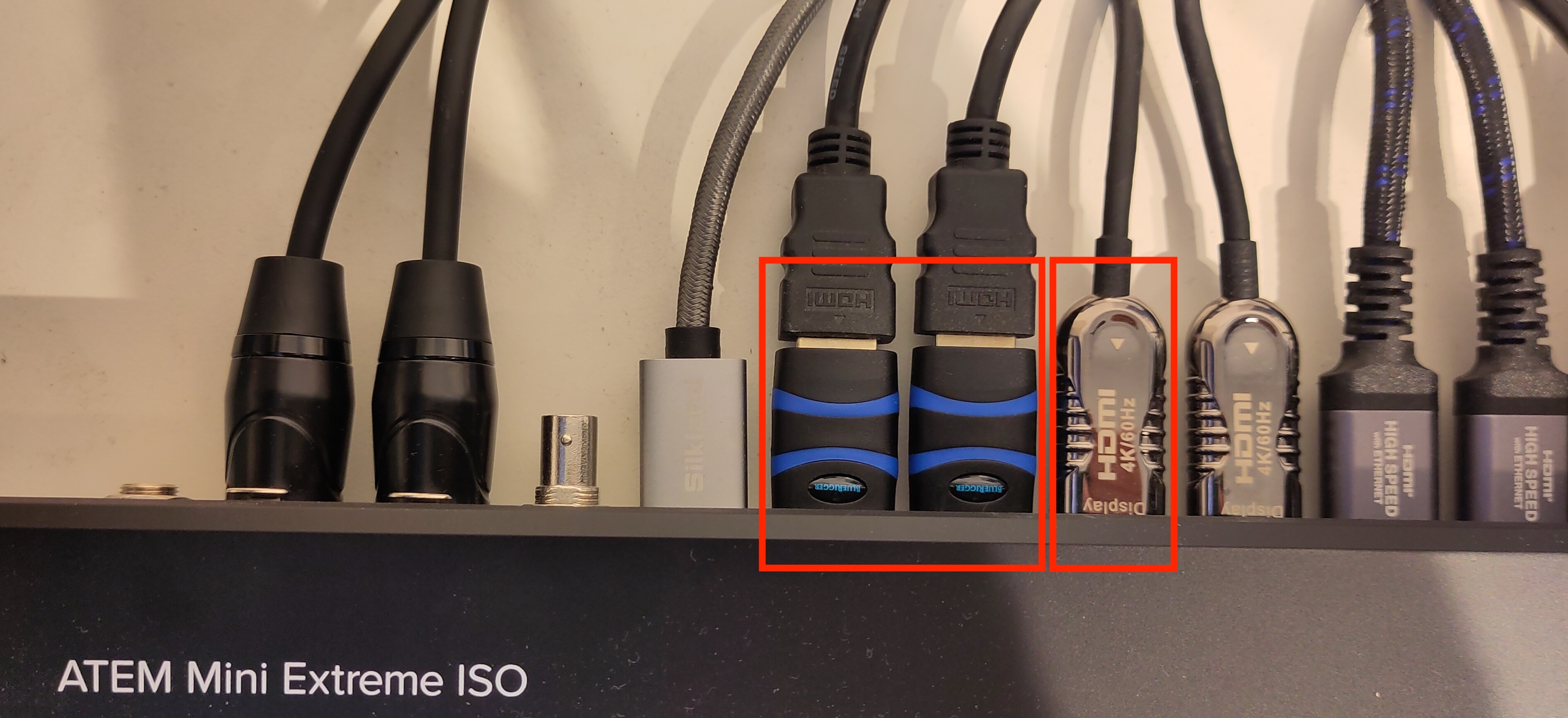
A Raspberry Pi Zero Broke the Tally Light of my Blackmagic Camera
Boys don’t grow up to men, their toys just get more expensive… More than 25 years ago I worked in professional television, in a time when a switcher with tally and …
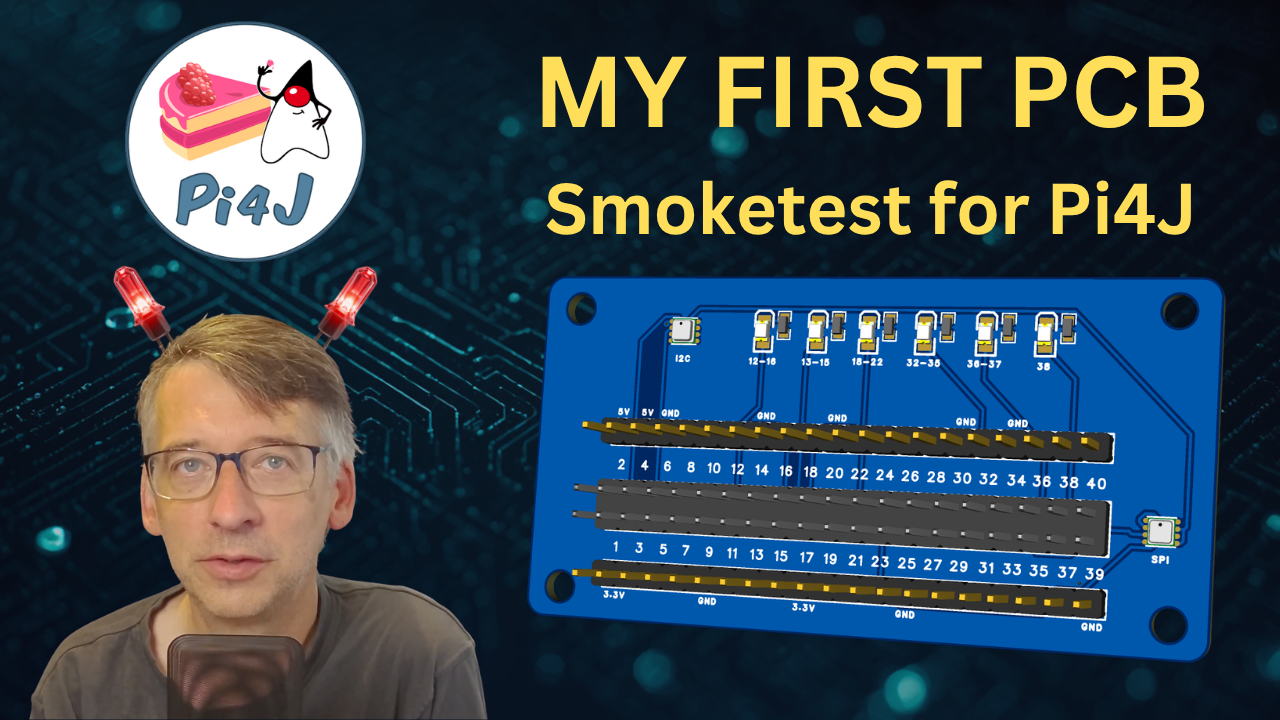
From breadboard chaos to a real PCB: designing the Pi4J smoke test board
Testing a Java I/O library properly means testing it on real hardware. No mocks, no stubs, just actual pins doing actual things. For Pi4J, that means running the smoke test: a …
Validating Pi4J V4 on real hardware, catching bugs, and exploring the Ikalogic logic analyser
Pi4J contributor Tom Aarts joins Frank Delporte for a hands-on session focused on hardware testing in Pi4J V4. Tom has been a long-time contributor to the Pi4J ecosystem. He added …
Let's smoke some food with Pi4J, Vaadin, and Quarkus
Live stream with Matti Tahvonen and Frank Delporte with the smell of smoked food and fresh Java code! Matti from the Vaadin team shows a project that started as a Raspberry Pi side …
Controlling Electronics with Java 25 and the FFM API using Pi4J V4
Live stream with Nick Gritsenko and Frank Delporte about the Foreign Function and Memory (FFM) API that got introduced in Java 22, and how it was used to create a new plugin for …
Interview by Bazlur Rahman: Unlocking Java Secrets with Frank Delporte - Insights, Stories, and Tips for Success
On Foojay.io , Bazlur Rahman is publishing a series of interviews with various people from the OpenJDK community. I had the honor to be included in this series, and this is a …
Using the Raspberry Pi Autofocus Camera Module 3 as HDMI camera
More than two years ago, I blogged about the use of the Raspberry Pi as an HDMI camera for the ATEM Mini . Although I have been using such a camera since then as my main Zoom …
How to Share Your Work With a Movie or Podcast
If you are blogging about your work, at some point, you’ll want to share your experience with a movie or in a podcast. In this post, I want to share the tools I’m using …
Multicam recordings with ATEM Mini and Raspberry Pi cameras
As I wrote in my previous post “Using a Raspberry Pi as HDMI camera” , you can build your own inexpensive HDMI-camera with a Raspberry Pi Zero and a camera module.
Using a Raspberry Pi as HDMI camera
TL;DR; Yes, you can build your own Raspberry Pi HQ camera to use as an HDMI source for the ATEM Mini Looking for an affordable camera with HDMI output? Build one yourself with a …