Lottie4J 1.1.0: Better Rendering, Smarter Debugging, and an animated Lottie4J Logo!
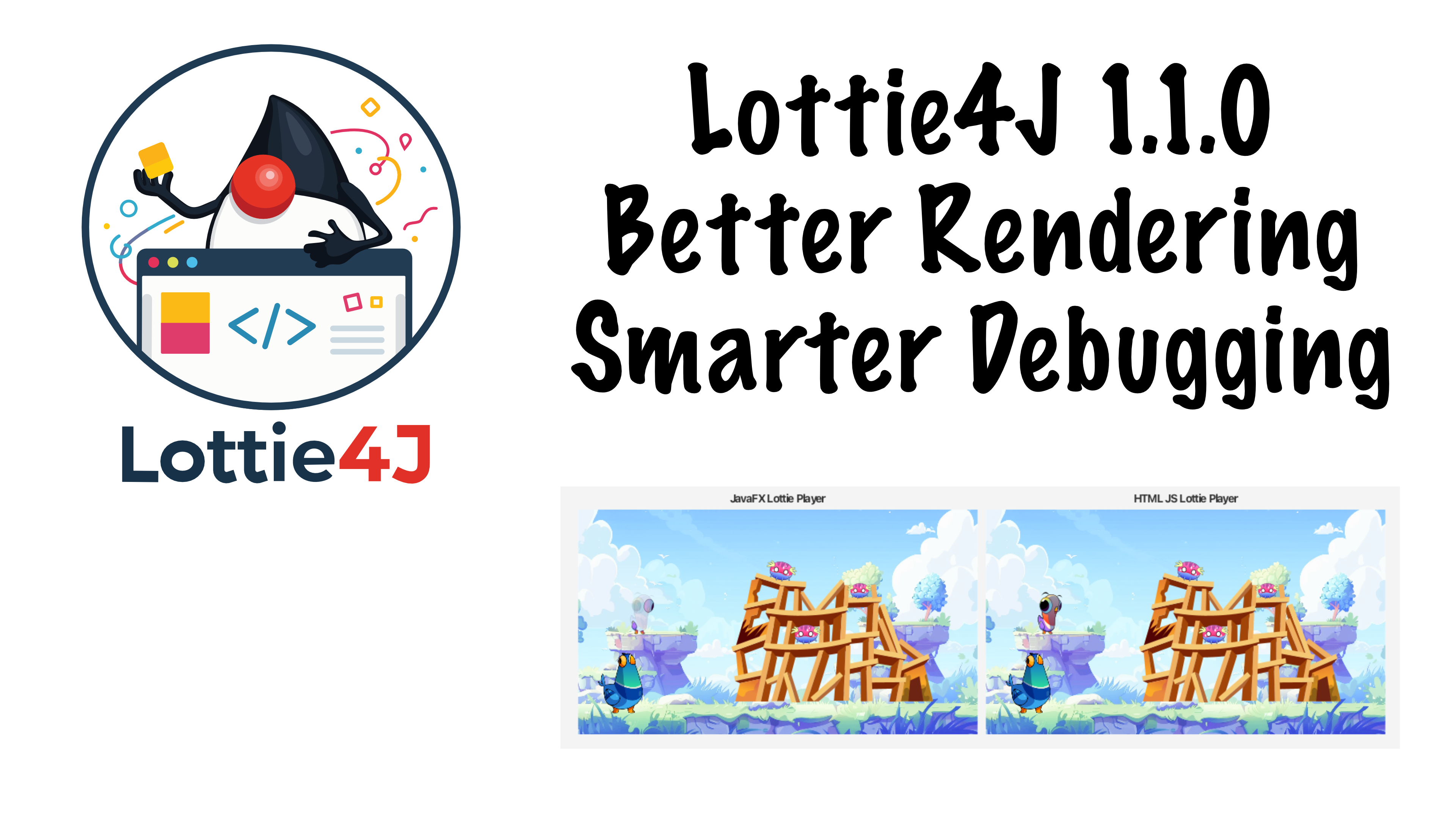
Just one week after the first public release of Lottie4J, the open-source Java library for rendering Lottie animations in JavaFX, version 1.1.0 is already out. And it’s a big one!
A lot happened in that one week. A logo was designed for the project, a Lottie animation was created for that logo (naturally!), and, most importantly, a significant number of rendering improvements landed after testing a much wider range of animation files. That’s the reason for the version bump from 1.0.x to 1.1.0: there are some API changes that come with it.
What Is Lottie4J?
LottieFiles is a JSON-based animation format, originally developed at Airbnb, widely used to play back animations on websites and mobile apps. Players exist for JavaScript, Android, iOS, and more, but a Java/JavaFX player was missing. That’s the gap I want to fix with Lottie4J.
The library is split into two Maven artifacts:
- Core: reads and writes Lottie JSON files, useful if you want to process animations without a player.
- FXPlayer: the JavaFX-based animation player.
You can find them on Maven Central.
What’s New in Lottie4J v1.1.0
License and API Improvements
The project has switched from GPLv2 to Apache License V2, which makes it much more adoption-friendly for commercial and open-source projects alike. Logging has been migrated to SLF4J, and there have been significant JavaDoc improvements and code restructuring.
Many Rendering Fixes in the JavaFX Player
This release is primarily driven by testing more complex real-world Lottie files and fixing what didn’t render correctly. Here’s what changed in the FXPlayer module:
- Correct path closing (fixing gaps in thick borders)
- Better border rendering
- Track Matte support — a key compositing feature in Lottie
- Fix for a layer disappearance at exact keyframe boundaries
- Correct gradient alpha channel parsing for proper transparency
- Image layer rendering — images embedded in Lottie files now display correctly
- Fix for GradientStroke deserialization and color format handling
- Solid color layer rendering
- Text rendering — text objects in animations now display in the JavaFX player
- Improved animation handling overall
- Gaussian Blur effect support added
- Fixed layer opacity
- Combined multiple trim paths correctly
- Fixed animations that start later in the timeline
- Fixed stroke style for dotted lines
- Fixed fade transitions for overlapping shapes
- Improved gradient fills
That’s a long list. Animations that were partially broken or visually wrong in 1.0.0 (missing dots, wrong gradients, invisible layers, no text) now render much closer to what the official JavaScript player produces. There are still known open issues: Gaussian blur combined with clipping is tricky in JavaFX, and some complex gradient shapes still differ from the reference player. But the gap has narrowed considerably.
Smarter Debug Tooling
One of the most useful additions in this release is the extended LottieFileDebugViewer. This tool shows the JavaFX player output side by side with the official JavaScript web player, making it immediately obvious where rendering differs.
New in this version:
- Screenshot buttons to capture a single frame or all frames at once
- A tile viewer that visualizes each layer individually
- The ability to export a single layer as a new Lottie file, so you can isolate and test a specific rendering issue without loading the entire animation
There’s also a brand-new LottieFileSimpleViewer, a no-frills viewer that just loads a Lottie file and plays it back in a loop using the JavaFX player. Good for quick checks and an example of how you can use the player in your own projects.
Automated Comparison Testing
Perhaps the most exciting developer tooling addition: a unit test called CompareFxViewWithWebViewTest that automates the comparison between the JavaFX player and the JavaScript web player. The test iterates through a list of Lottie files, captures a screenshot every five frames from both players, and compares them for visual similarity. Any frame that differs too much is saved to disk so you can inspect exactly where and how the rendering diverges.
This makes it much easier to track down rendering regressions and verify improvements. Note that the test requires a display (it can’t run headless yet — see this open issue), so it won’t run on CI for now, but it’s extremely useful locally.
Trying It Out
Add the Maven dependency for whichever module you need:
<!-- Just the core model, no player -->
<dependency>
    <groupId>com.lottie4j</groupId>
    <artifactId>lottie4j-core</artifactId>
    <version>1.1.0</version>
</dependency>

<!-- JavaFX player -->
<dependency>
    <groupId>com.lottie4j</groupId>
    <artifactId>lottie4j-fx-player</artifactId>
    <version>1.1.0</version>
</dependency>
The full list of changes between 1.0.0 and 1.1.0 is available on GitHub.
What’s Next
The goal isn’t to ship a new release every week, but when rendering problems are found in specific animations, the debug tools and automated tests make it much easier to isolate, fix, and verify. If you run into a Lottie file that doesn’t render correctly in JavaFX, it can be added to the test suite and investigated.
The biggest open challenge right now is Gaussian blur combined with clipping, which JavaFX makes particularly difficult. That’s a known limitation for now.
If you’re using Lottie4J in a project, I’d love to hear about it! Share what you’ve built, report rendering differences you find, and follow along for further progress. Contributions and feedback are very welcome.
- Website: lottie4j.com
- GitHub: github.com/lottie4j/lottie4j
- Release notes: lottie4j.com/releases