Introducing Lottie4J, a Java(FX) Library to Parse and Play Lottie Animation Files
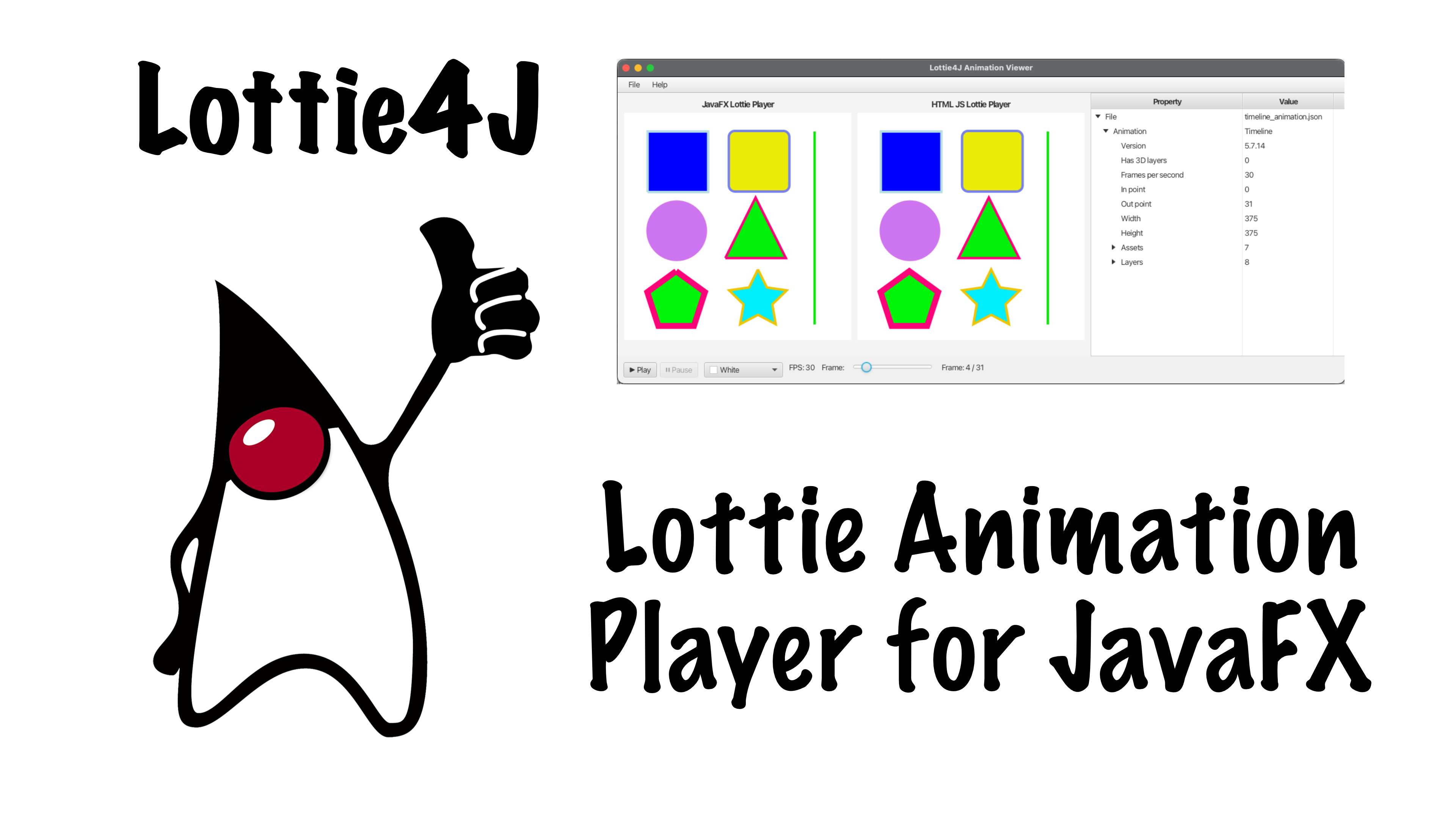
I’m proud to present a new JavaFX library: Lottie4J, that brings Lottie animations to JavaFX applications. I first learned about Lottie many years ago when we were developing a mobile app. We used Lottie animations to explain to users how to operate a physical device. The animations made the instructions so much clearer than static images or text alone.
At the time, I wanted to create a similar experience in JavaFX, but I couldn’t find a JavaFX player for the Lottie format. So I decided to build one myself. What I didn’t realize then was just how complex this journey would be…
What is Lottie?
Lottie is a JSON-based animation file format created by Airbnb that lets designers export animations from various tools and use them on any platform (mobile, web, desktop) as easily as using static images. It’s become the industry standard for vector animations because the files are small, scalable, and can be manipulated programmatically.
On the Lottie website, you’ll find instructions to use After Effects to create animations, but I hope you know there are way better, less expensive alternatives to Adobe applications… I stepped away from Adobe many years ago and advise you to do the same. Check DaVinci Resolve for video editing and Affinity for drawing applications.
The Complexity of Lottie
You see, the Lottie format, although JSON-based, is incredibly complex and hard to understand. The JSON uses cryptic abbreviated property names like nm for name, fr for frames per second, ddd for “has 3D layers”.
The specification uses nested structures for layers, shapes, effects, and animations. Understanding what each property does and how they interact requires diving deep into the documentation and lots of trial and error experiments.
Lottie4J Project
I created Lottie4J as a multi-module Maven project. I started working on this already in 2022, but only now, thanks to the evolutions happening with Claude.ai, I could dive into the Lottie format deep enough to understand it and handle the data correctly to get it visualized and animated in the correct way. Turns out my data model parsing was already correct. Also my first JavaFX rendering worked well, but with some changes in how the nested data structures are handled, I’m now convinced the library is ready to be released as version 1.0.0.
Project Structure
Lottie4J is organized into three main modules:
- Core: The Java objects representing the Lottie data model and file loading
- FXPlayer: A JavaFX component that actually plays the animations
- FXFileViewer: A demo application that shows animations and visualizes their structure
Making Sense of the JSON
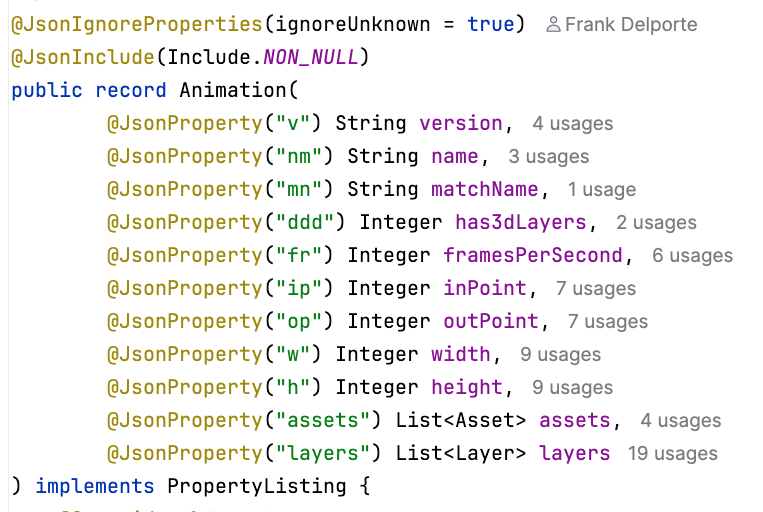
One of my goals was to make the cryptic Lottie format more understandable. In the Animation class in the core library, each cryptic JSON property is mapped to a clear, descriptive name. @JsonProperty("fr") becomes framesPerSecond, @JsonProperty("ip") becomes inPoint. Java objects use human-readable names, making the code self-documenting and much easier to work with.
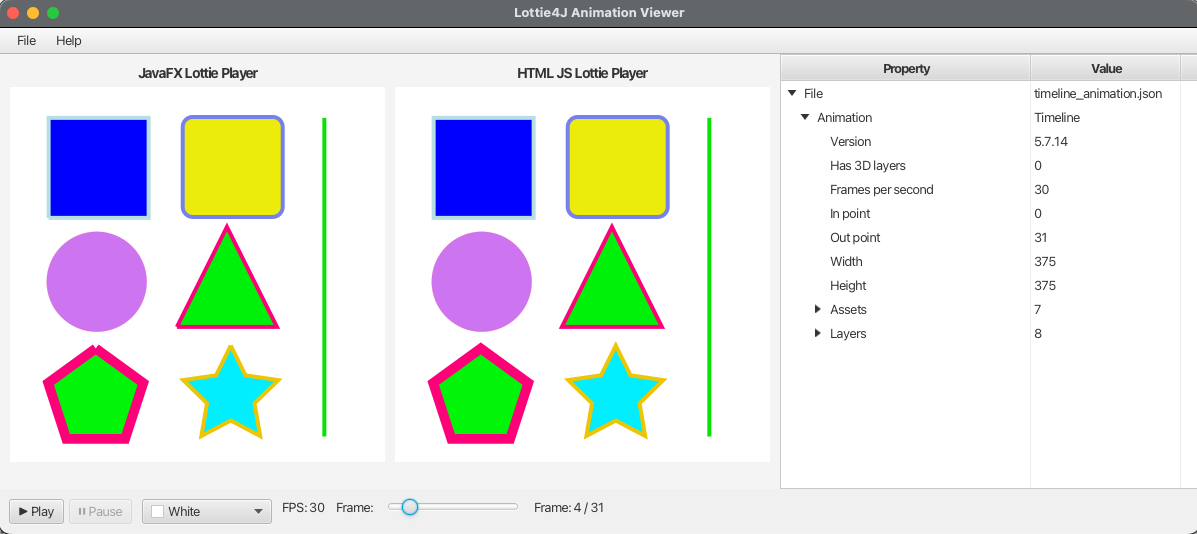
But I went even further. The fxfileviewer application includes a tree visualizer that lets you explore the structure of any Lottie file in an easy view. You can see exactly what’s inside your animation - the layers, shapes, properties, and how they’re nested. This was invaluable for understanding the format and debugging animations.
Example Animations
I’ve included several test animations in the project to showcase the capabilities:
- java_duke_flip.json - The Java Duke mascot doing a flip animation
- loading.json - A loading spinner animation
- sandy_loading.json - A particularly tricky one testing complex nested transformations
- timeline_animation.json - A timeline animation showing how multiple elements can be choreographed together
While an animation plays, you can see the complete structure in the tree view - every layer, every shape, every animated property.
How to Use Lottie4J
Using Lottie4J in your JavaFX application is straightforward. Import the fxplayer-dependency in your pom.xml:
<dependency>
    <groupId>com.lottie4j</groupId>
    <artifactId>fxplayer</artifactId>
    <version>1.0.0</version>
</dependency>
Then add the animation with this minimal code example:
LottiePlayer player = new LottiePlayer("path/to/animation.json");
parent.getChildren().add(player);
Load your Lottie JSON file, create a LottiePlayer component, add it to your scene or parent component. That’s it! The player handles all the complexity of parsing the animation and rendering it frame by frame.
Continuous Evolution
The Lottie format is constantly evolving with new features and capabilities. There’s always more to implement, more edge cases to handle, more animations to test. But that’s what makes this project interesting - it’s a continuous learning experience.
Get Started
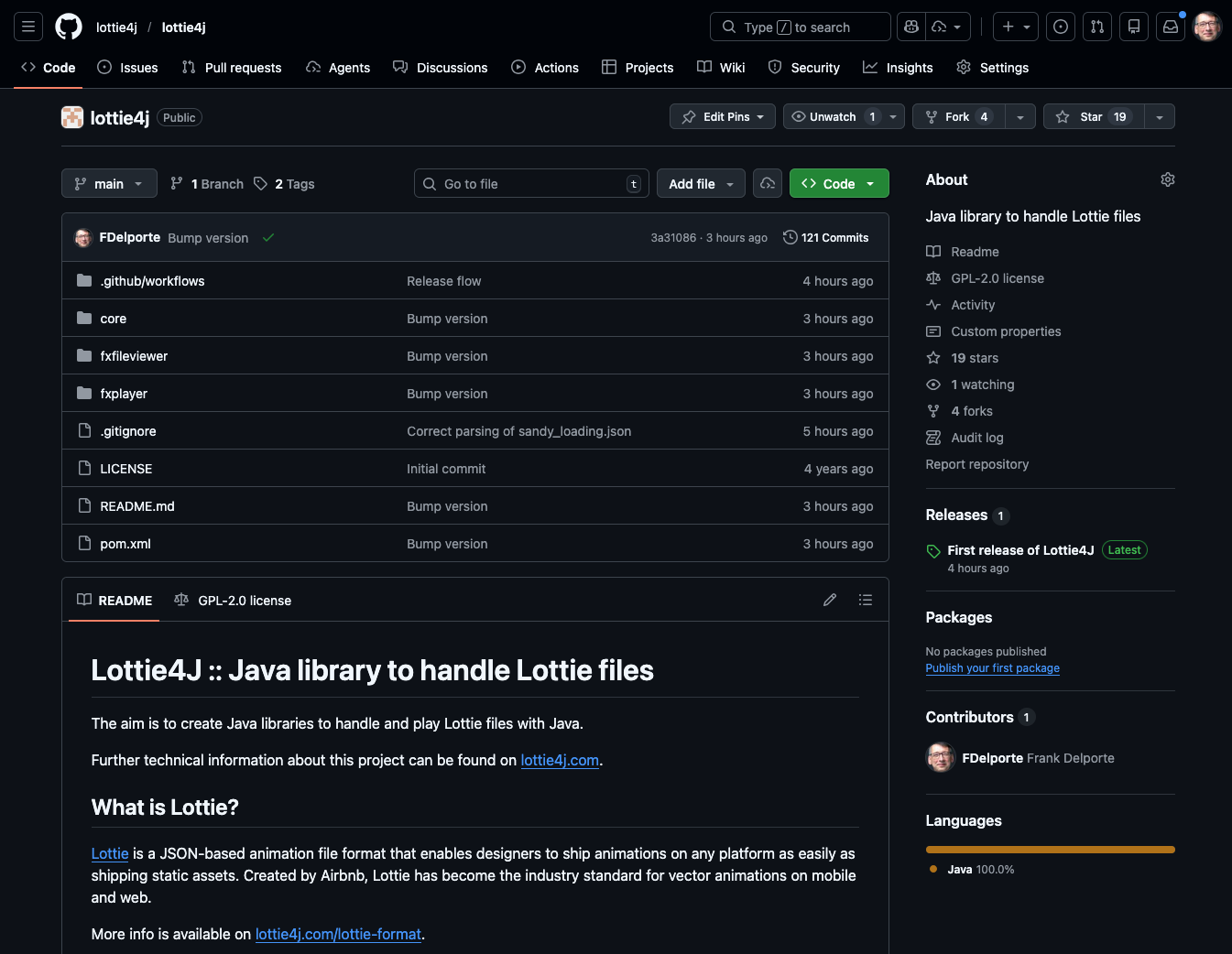
If you’re working with JavaFX and want to add beautiful, lightweight animations to your applications, check out Lottie4J. All the code is open source and available on GitHub. You’ll find more documentation and examples on lottie4j.com.
Please let me know how you use the library and share your results. I’m sure not all animations will already render completely the same as with the more mature players, so if you find differences, it would be very nice if you could isolate the problem and share the json file with a clear description of the issue in a ticket in the GitHub repository.
Happy animating!